
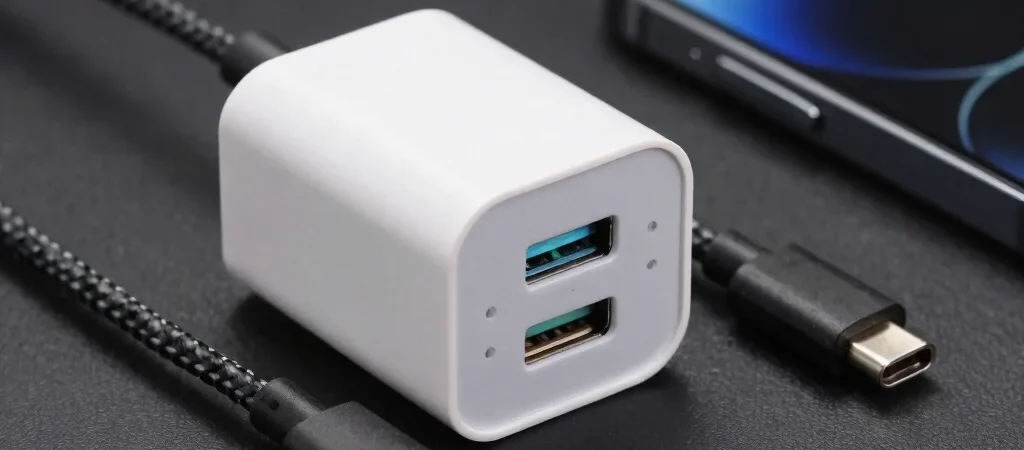
The new USB-C charger has two ports, the cable came free with a tablet, and your phone still charges slowly. That mismatch is common because charging depends on the adapter, cable, and device working together. Shop for the complete chain rather than choosing by the largest number printed on the charger.
Start with device requirements
Check each device maker’s charging guidance and note the supported standard and power level. A higher-wattage adapter does not force every connected device to draw that much power; the device and charger negotiate what they support. But a charger that lacks the right protocol may not deliver the fast charging you expected.
Don’t overlook the cable
USB-C describes the connector shape, not every capability a cable may support. Check the cable’s stated power rating, and, when relevant, its data or video support too. For a multi-device charger, pay attention to how its total output is divided when more than one port is in use, since the available power per device can change.
Build a setup you’ll use
For a nightstand or desk, a multi-port adapter can reduce clutter if its port mix matches your phone, watch, and tablet. For travel, consider the charger’s size and whether you’ll need a separate cable for each device; wireless charging is convenient only when your devices and charger support the same standard. Some links on this site may be affiliate links, meaning we may earn a commission from a qualifying purchase at no extra cost to you.

